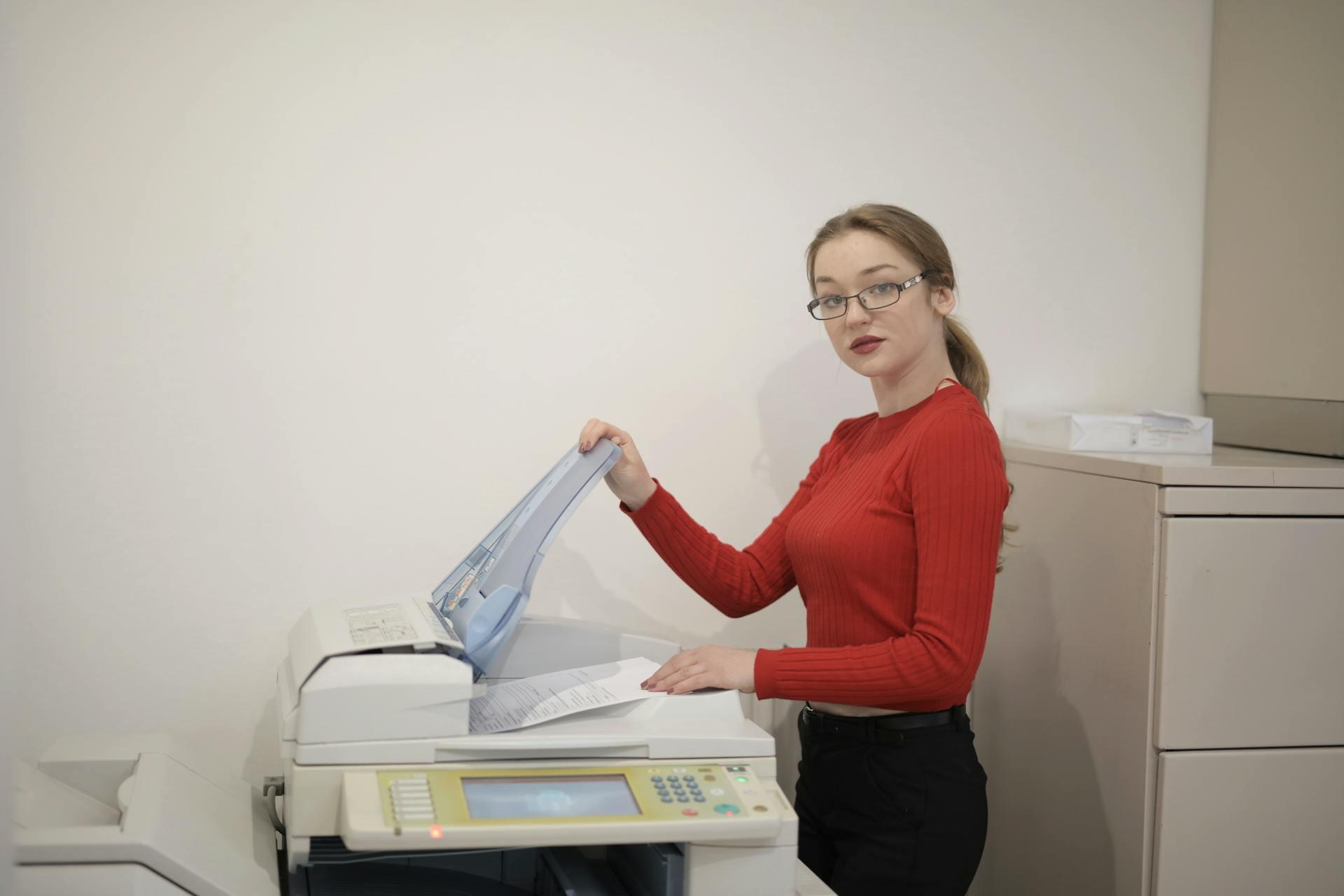
Your office copier is a critical piece of equipment that supports your workflow on a daily basis. But without regular maintenance, even a high-quality copier can suffer frequent breakdowns, reduced print quality, and costly repairs. Proper care not only extends the life of your machine but also helps ensure consistent performance and minimal downtime for daily tasks. Keep reading to learn how you can properly care for your office copier.
Keep the Copier Clean
Dust, paper debris, and toner residue are common culprits in copier problems like paper jams and unclear prints. Regularly wiping down the exterior of your copier prevents dust from entering the machine and damaging internal components. Wipe down the paper trays, feed rollers, and output trays on the machine, as these areas frequently collect paper dust, which can lead to jams and misfeeds. Make sure you use a soft, lint-free cloth and a gentle cleaner to avoid damaging sensitive parts.
Use the Right Supplies
Always use toner, ink, and paper that’s been recommended by your copier’s manufacturer. Low-quality supplies can do more than produce low-quality prints; they can also cause premature wear and tear on internal components. Using the correct paper weight and type also reduces the risk of paper jams and helps maintain proper alignment inside the machine.
Replace Parts on Schedule
Copiers require regular replacement of internal parts, including drums, fuses, rollers, and transfer belts. These components wear out over time and should be replaced according to the maintenance schedule outlined in your machine's manual. Ignoring these replacement intervals can result in low-quality prints or even more extensive, costlier damage to internal parts.
Update Software and Firmware
Modern copiers function as part of a larger network of devices, with software and firmware that control connectivity, performance, and security. Regularly updating software and firmware can improve your copier’s functionality, fix bugs, and protect your data from security breaches. Make sure your IT team is updating your copier correctly and on time.
Schedule Professional Maintenance
Even with routine in-house care, professional servicing remains important for maintaining your copier. A trained technician can inspect internal components that you can’t, calibrate settings beyond the basic user controls, and identify wear and tear that you would likely miss. Many business owners opt for a maintenance agreement that includes regular inspections to keep their copiers in top shape.
If you follow these tips, your Canon copier machine in Anchorage, AK, should provide you with service for many years to come.