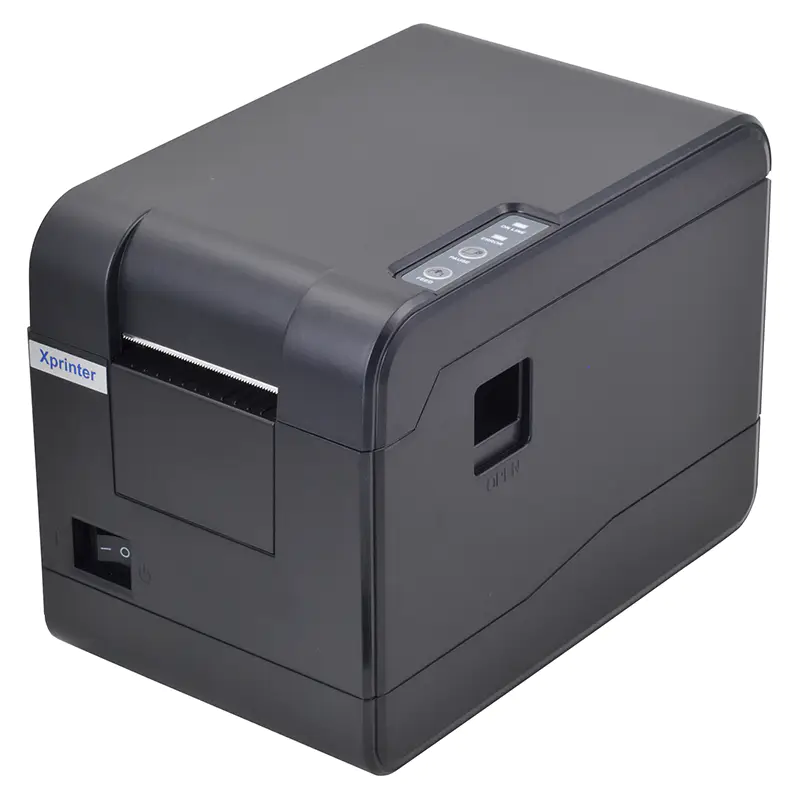
Thermal label printers have a reputation for being low maintenance, and compared to inkjet or laser machines, that reputation is deserved. There are no cartridges to replace, no drums to swap, and no fusers to worry about. But low maintenance is not the same as no maintenance, and the businesses that get years of consistent output from their Xprinter machines tend to be the ones that treat it as a piece of production equipment rather than a disposable appliance. A few simple habits, practiced regularly, prevent most of the problems that lead to faded labels, failed scans, and untimely breakdowns.
Understanding Why Thermal Printers Need Care
Thermal printing works by applying heat to specially coated media through a print head made of tiny heating elements. Every label printed leaves behind a microscopic amount of residue from the coating, the adhesive, and ordinary dust in the air. Over time, that buildup insulates the heating elements, which means they must work harder to produce the same image. The result is gradually fading output that often goes unnoticed until barcodes stop scanning reliably. Understanding this slow accumulation explains why routine cleaning matters so much, even when the printer appears to be working perfectly well.
Cleaning the Print Head the Right Way
The print head is the single most important component to maintain, and it is also the most delicate. Use only approved cleaning pens or lint-free swabs moistened with isopropyl alcohol, and always allow the head to cool completely before touching it. Gently wipe along the length of the heating element rather than scrubbing back and forth, which can damage the protective coating. A sensible schedule is every roll change for busy printers or once a month for lighter use. This simple routine takes under a minute and is the most effective way to keep print quality consistent over thousands of labels.
Managing Dust, Debris, and the Media Path
The path that labels travel through the printer collects paper dust and adhesive particles that can cause misfeeds and skewing. Periodically open the media compartment and inspect the rollers, guides, and sensors for visible debris. A soft brush or a can of compressed air removes loose particles without touching delicate parts. Pay particular attention to the media sensor, since dust blocking it can cause the printer to misalign labels or feed continuously. Keeping the surrounding work area reasonably clean also reduces how quickly the internal components become contaminated.
Handling Labels and Ribbons Properly
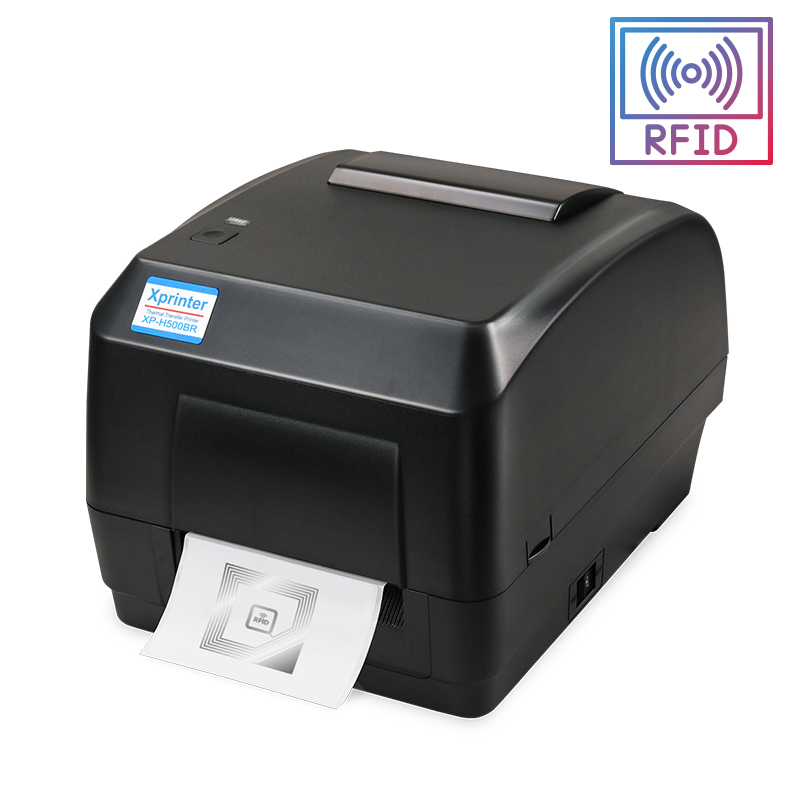
How you store and load consumables affects thermal label printer performance more than most users realize. Thermal label rolls should be kept away from direct sunlight, heat, and humidity, because the coating degrades and produces faint images even on a perfectly maintained printer. When loading a roll, avoid touching the label surface with bare fingers, since oils can interfere with thermal sensitivity. If you use thermal transfer printing, check that the ribbon is threaded on the correct side and free of wrinkles or tears. A wrinkled ribbon produces streaks that look like print head damage but disappear once the ribbon is replaced.
Recognizing Early Warning Signs
Most printer failures announce themselves before they become critical. Faint or patchy printing usually indicates a dirty print head or a media batch stored improperly. Vertical white lines running through labels typically point to a damaged heating element or stubborn residue. Frequent misfeeds suggest worn rollers or incorrectly adjusted guides. Unusual noises may indicate a foreign object in the media path. Learning to read these signals allows you to address small issues before they escalate into expensive repairs or emergency replacements during a busy shipping day.
Firmware, Drivers, and Software Upkeep
Hardware care is only part of the picture. Printer drivers occasionally receive updates that improve compatibility and fix known issues, so checking the manufacturer's website periodically is worth the effort. If your printer connects over a network, confirm that its IP address has not changed unexpectedly, which can cause jobs to disappear without explanation. Label design software also benefits from updates, particularly when carriers adjust barcode specifications. Keeping the software side current prevents the baffling situations where hardware works perfectly but nothing prints correctly.
Creating a Simple Maintenance Routine
Consistency comes from repetition, and a written maintenance schedule removes guesswork. A brief weekly check for dust and debris, print head cleaning at every roll change, and a monthly inspection of rollers and sensors covers most of what a thermal printer needs. Logging these tasks helps identify patterns, such as a printer that needs cleaning more often because of its environment. When maintenance becomes a habit rather than a response to failure, an Xprinter thermal label printer delivers steady, professional output for years, quietly supporting every shipment and shelf tag your business produces.